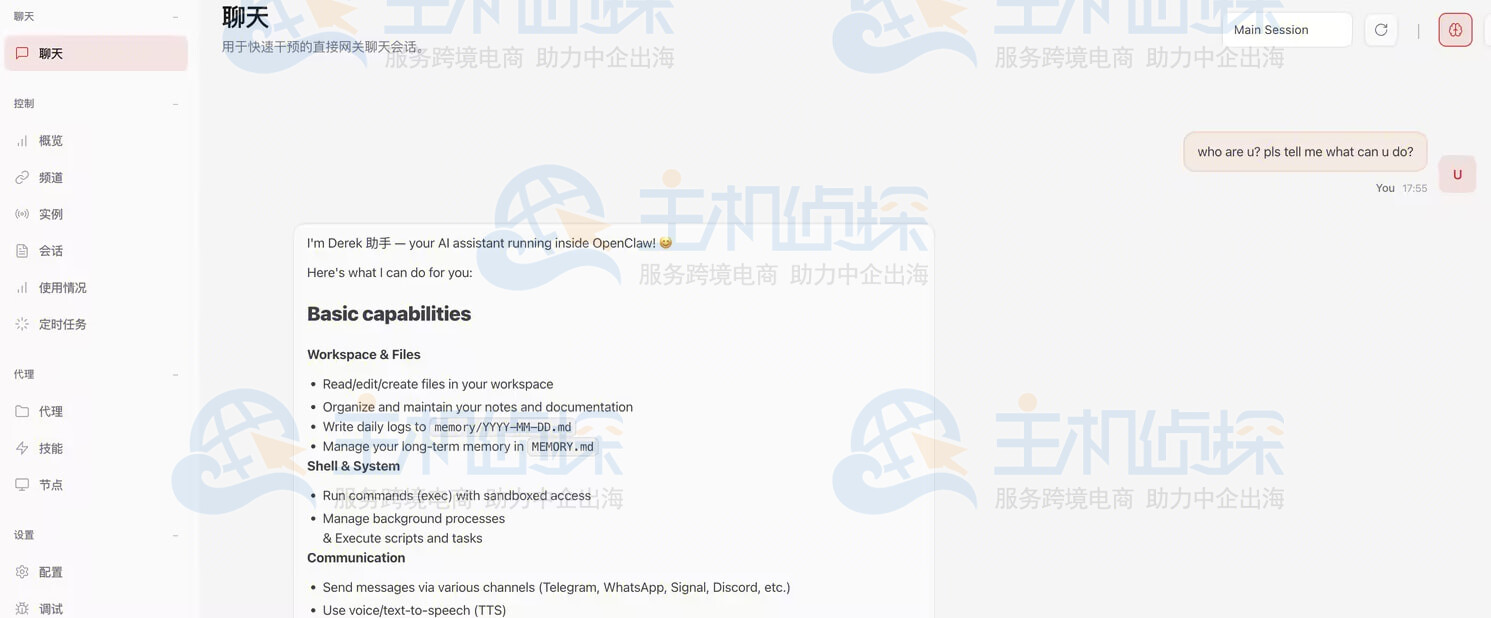
千帆Coding Plan是百度智能云旗下千帆大模型为开发者打造的AI编码订阅服务,支持接入多种主流代码模型,兼容主流AI编程工具,覆盖代码编写、理解与优化等场景,全面提升开发效率与代码质量。本文主要为大家介绍百度千帆Coding Plan购买及使用指南,助力用户开启AI编程新体验。
点击进入:百度智能云官网

一、购买百度千帆Coding Plan套餐
点击上述链接进入百度智能云官网,点击“大模型”,选择“百度千帆”。
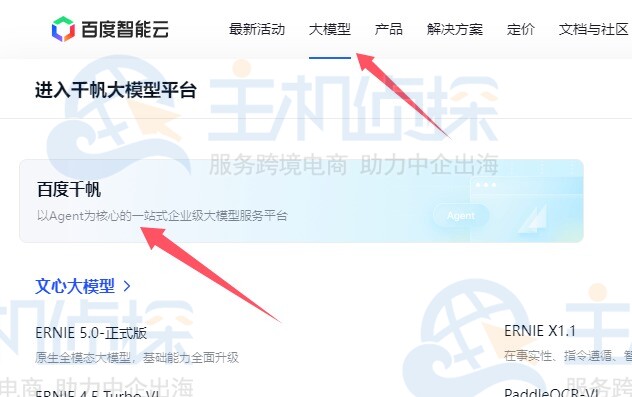
在以下界面,选择“百度千帆Coding Plan”。
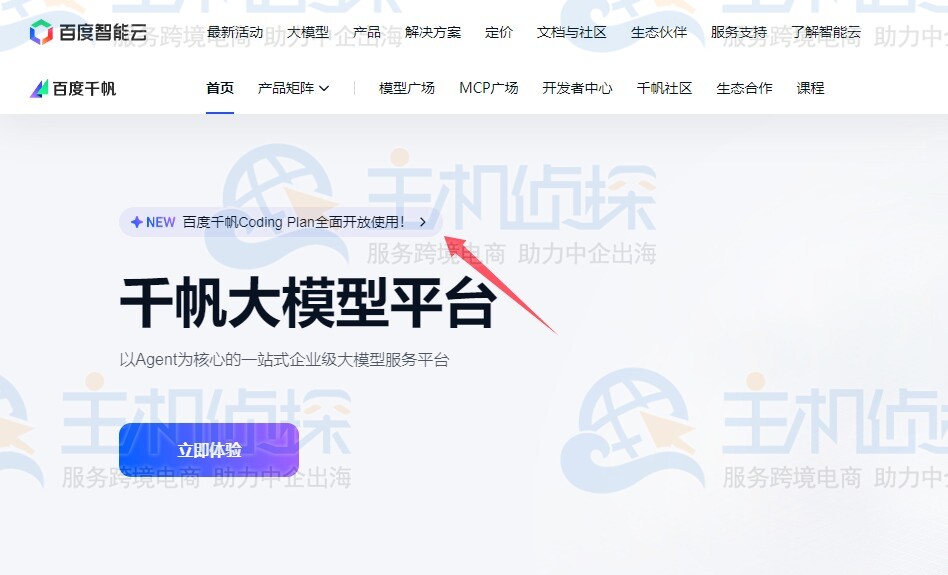
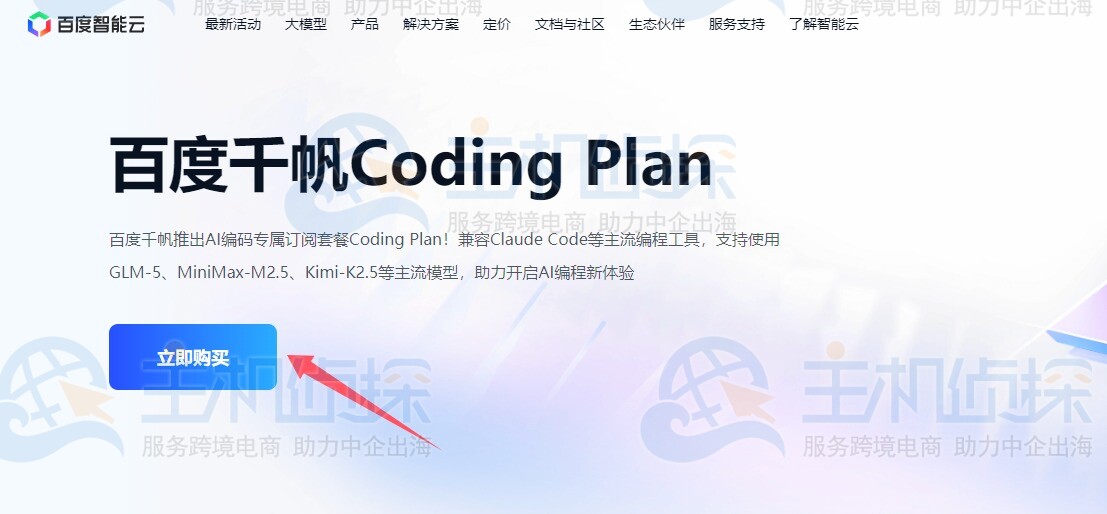
进入百度千帆Coding Plan购买页,点击“立即购买”,可以看到具体的套餐方案。
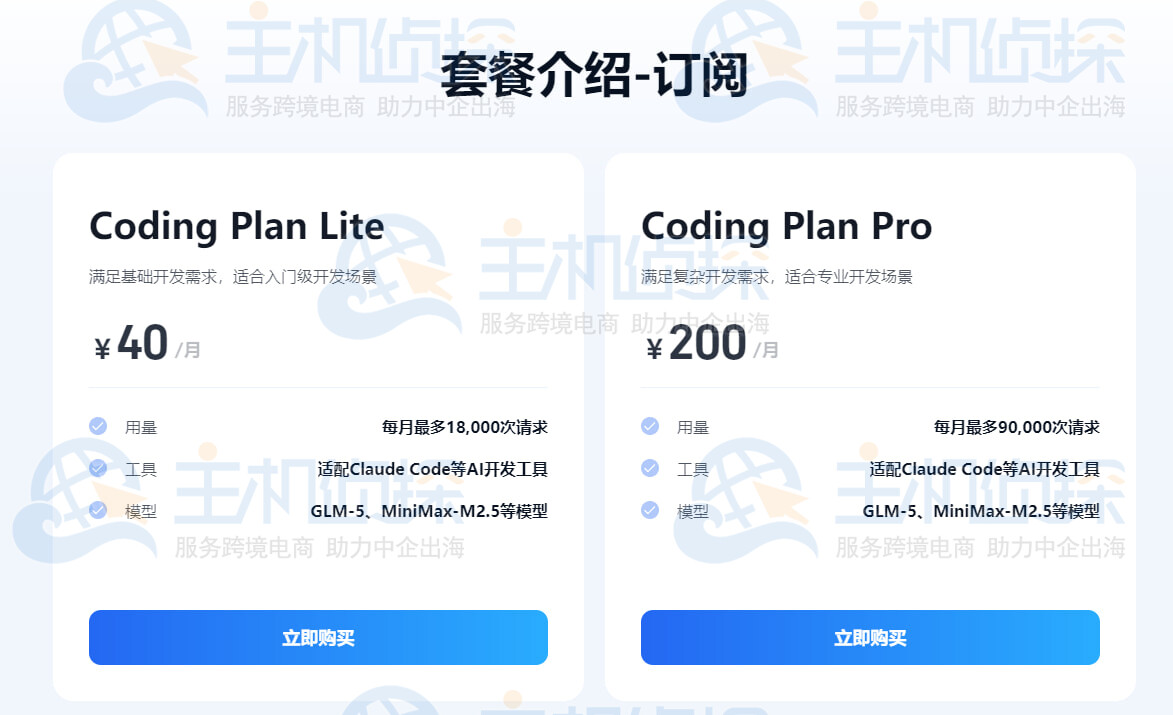
用户可以根据实际需求选择并购买套餐。
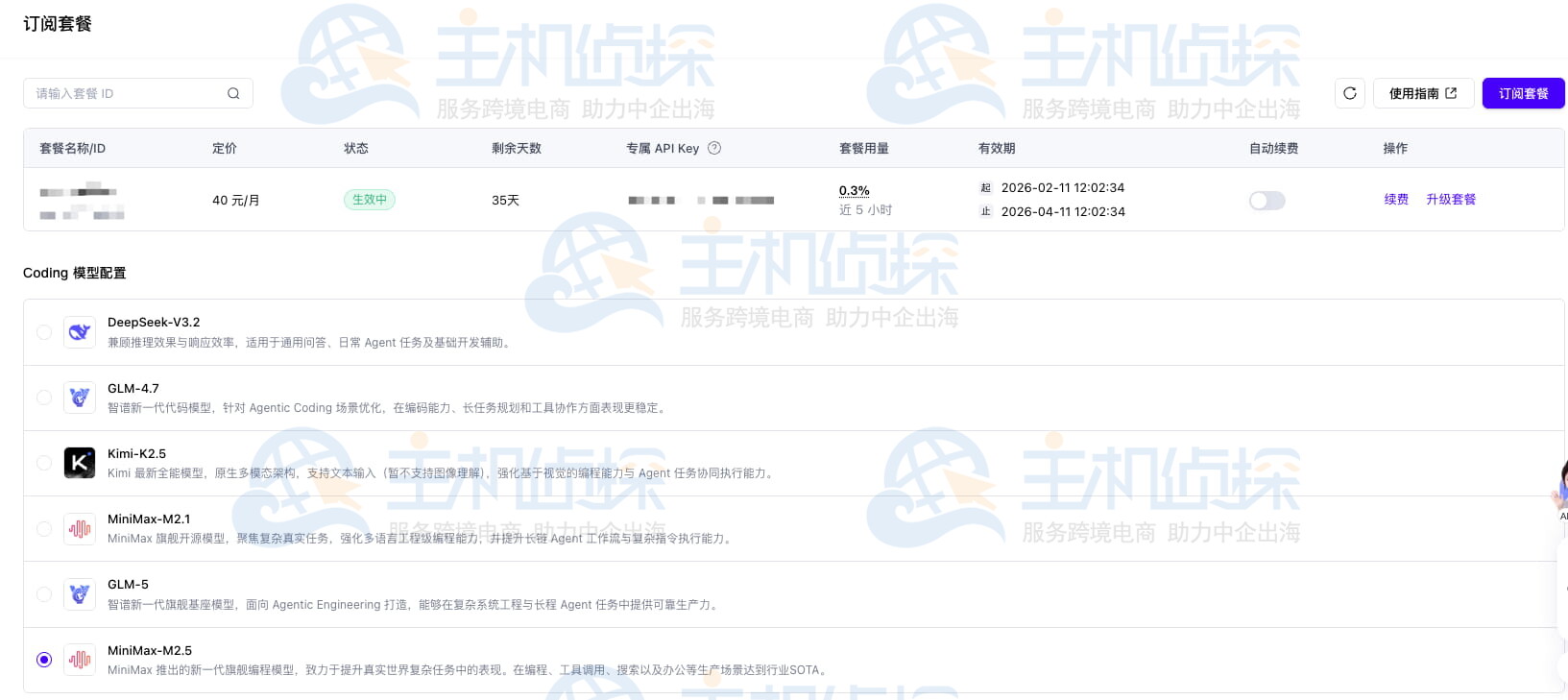
购买完成后,可在百度千帆订阅管理页面查看套餐用量、升级与续费套餐。
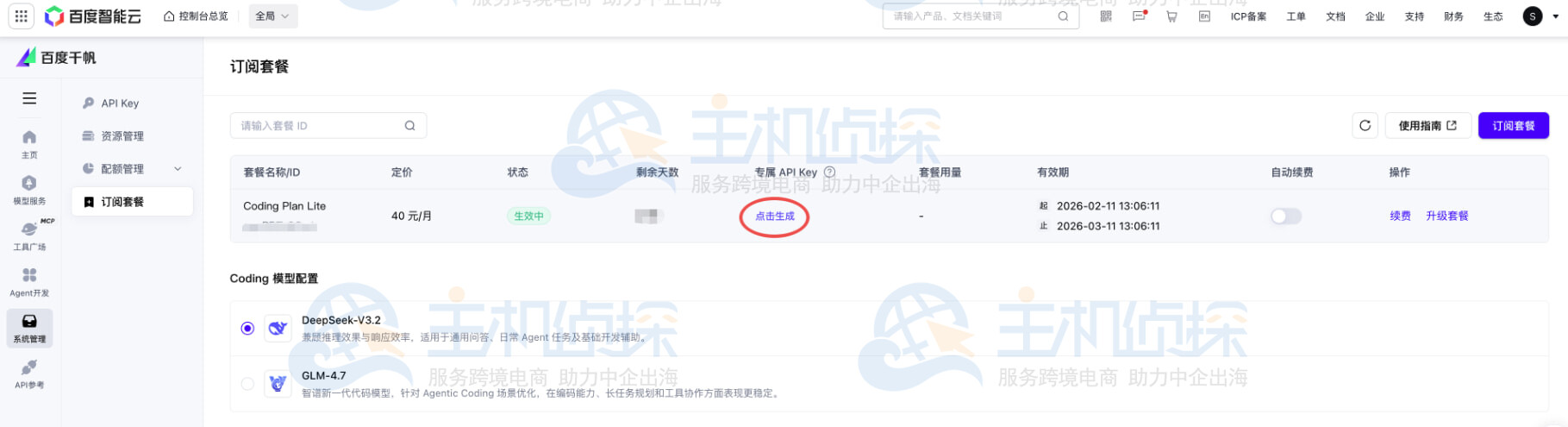
二、获取百度千帆Coding Plan套餐专属API Key在配置文件中指定模型为qianfan-code-latest
通过百度千帆控制台系统配置-订阅管理页面调整配置,调整后预计一分钟左右生效。
Coding Plan有专属服务接口,接口Base URL如下
- 兼容 OpenAI 接口协议的Base URL:
https://qianfan.baidubce.com/v2/coding,如果是接口调用,完整路径为:https://qianfan.baidubce.com/v2/coding/chat/completions - 兼容 Anthropic 接口协议的Base URL:
https://qianfan.baidubce.com/anthropic/coding,如果是接口调用,完整路径为:https://qianfan.baidubce.com/anthropic/coding/v1/messages
Coding Plan会生成专属API Key,这个API Key只可以用于Coding Plan专属接口。
OpenClaw是一款开源、自托管的个人AI助手,下文介绍如何在OpenClaw中使用百度智能云千帆的Coding Plan。
1、安装OpenClaw
安装或更新Node.js 22或更新版本。
macOS/Linux:
curl -fsSL https://openclaw.ai/install.sh | bash
Windows:
iwr -useb https://openclaw.ai/install.ps1 | iex
2、配置网络与模型参数
创建并打开配置文件:
macOS/Linux:
mkdir -p ~/.openclaw vim ~/.openclaw/openclaw.json
Windows:
mkdir %USERPROFILE%\.openclaw notepad %USERPROFILE%\.openclaw\openclaw.json
添加配置:将以下内容完整填入openclaw.json。
{ “models”: { “mode”: “merge”, “providers”: { “baiduqianfancodingplan”: { “baseUrl”: “https://qianfan.baidubce.com/v2/coding”, “apiKey”: “请填入您的千帆API Key”, “api”: “openai-completions”, “models”: [ { “id”: “qianfan-code-latest”, “name”: “qianfan-code-latest”, “reasoning”: false, “input”: [ “text” ], “cost”: { “input”: 0.0025, “output”: 0.01, “cacheRead”: 0, “cacheWrite”: 0 }, “contextWindow”: 98304, “maxTokens”: 65536 } ] } } }, “agents”: { “defaults”: { “model”: { “primary”: “baiduqianfancodingplan/qianfan-code-latest” }, “models”: { “baiduqianfancodingplan/qianfan-code-latest”: {} }, “compaction”: { “mode”: “safeguard” }, “maxConcurrent”: 4, “subagents”: { “maxConcurrent”: 8 } } } }
3、启动配置
配置完成后,在终端执行以下命令启动OpenClaw。
openclaw onboard –install-daemon
相关推荐:
《2026年国内主流AI模型Coding Plan价格、功能盘点》
《腾讯云Coding Plan购买并接入OpenClaw教程》
《UCloud优云智算Coding Plan购买及使用指南》
(本文由美国主机侦探原创,转载请注明出处“美国主机侦探”和原文地址!)

微信扫码加好友进群
主机优惠码及时掌握

QQ群号:938255063
主机优惠发布与交流